
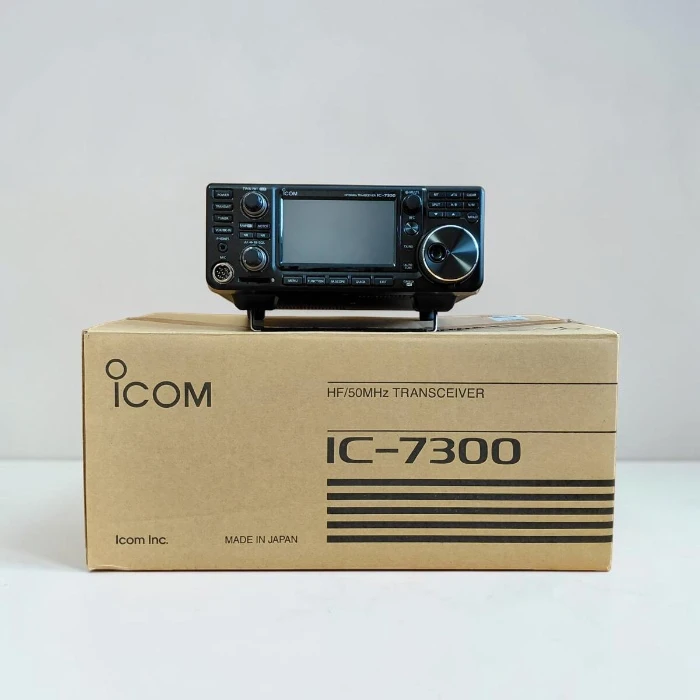
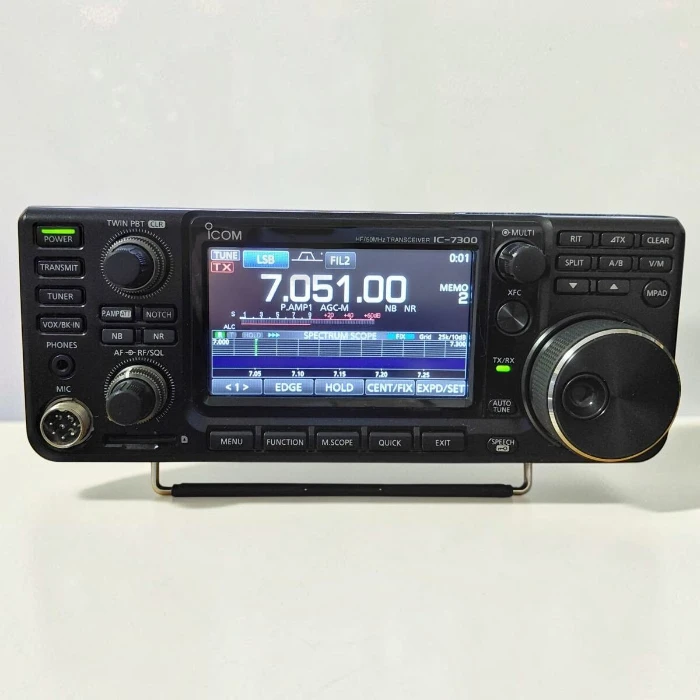
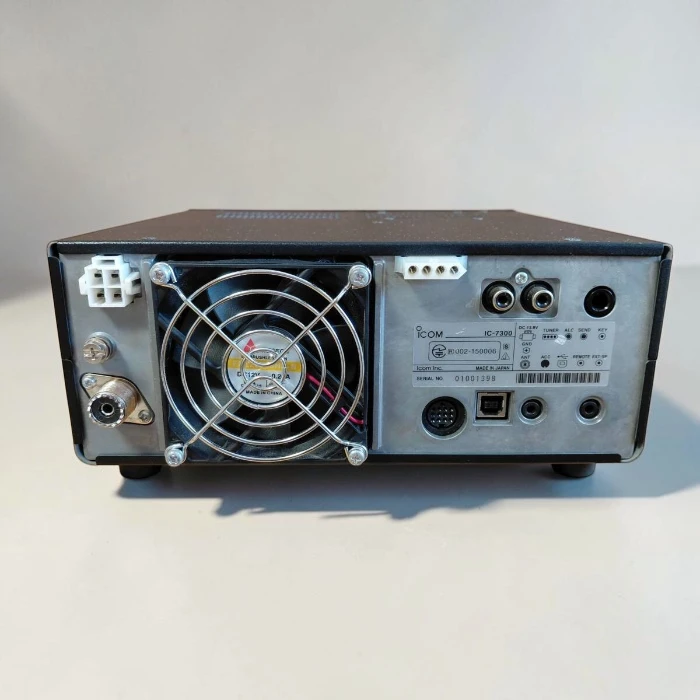
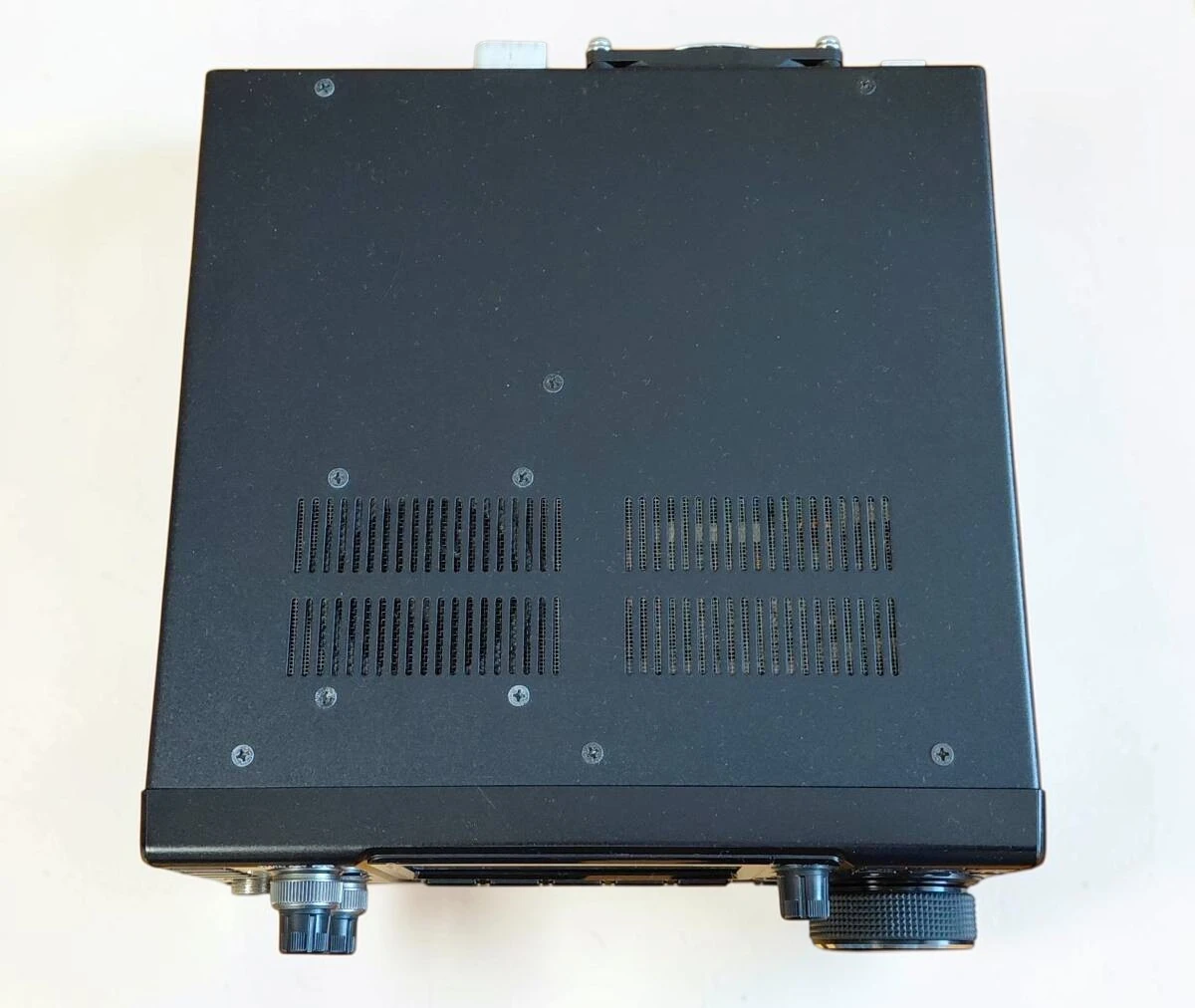
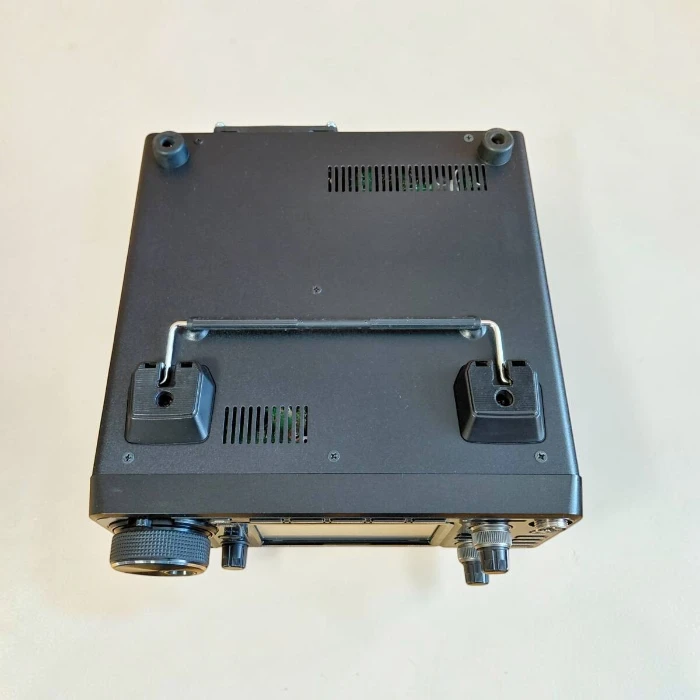
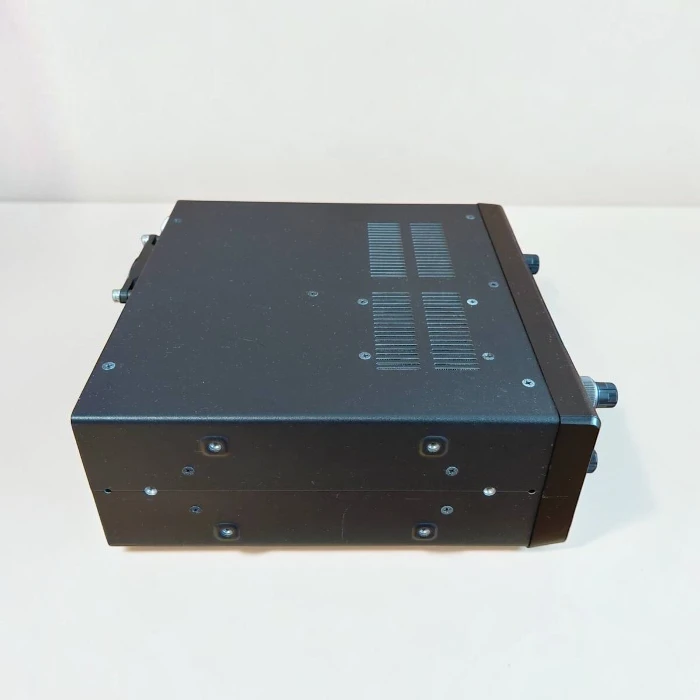


The Icom IC-7300 is a world-class transceiver featuring advanced RF Direct Sampling technology, revolutionizing the amateur radio landscape. Engineered to deliver exceptional performance, superior signal clarity, and intuitive operation, it is the top choice for radio amateurs and communication professionals worldwide.
Key Features & Advantages:
-
RF Direct Sampling System: Moving away from conventional superheterodyne systems, RF signals are converted directly to digital data and processed through an FPGA. This technology drastically minimizes noise and distortion while delivering crystal-clear reception and audio.
-
Real-Time Spectrum Scope & Waterfall Display: Equipped with a large 4.3-inch color TFT touch LCD. The high-resolution real-time spectrum scope and waterfall display allow you to monitor band activity, spot weak signals, and change frequencies effortlessly with just a touch of your finger.
-
Advanced Audio Scope Function: Visually monitor various audio (AF) characteristics, including microphone compressor levels, filter widths, notch filter performance, and CW keying waveforms.
-
15 Discrete Band-Pass Filters: Incoming signals are tightly filtered through 15 independent band-pass filters utilizing high Q-factor coils to effectively reject unwanted out-of-band signals.
-
Built-In Automatic Antenna Tuner: Features a high-speed internal antenna tuner that memorizes tuning settings for rapid band changes, ensuring maximum transmission efficiency.
-
SD Memory Card Slot: Supports internal data storage for voice recording (TX/RX), RTTY logging and decoding, CW memories, screenshots, and firmware upgrades.
Technical Specifications Overview:
-
Frequency Coverage (RX/TX):
-
Receive: 0.030 – 74.800 MHz
-
Transmit (Amateur Bands): 160 – 6 meters (HF/50 MHz)
-
-
Operating Modes: SSB, CW, RTTY, AM, and FM
-
RF Output Power: 2 – 100 Watts (SSB/CW/FM/RTTY), 1 – 25 Watts (AM)
-
Power Supply Requirement: 13.8V DC ±15%
-
Dimensions: 240 × 94 × 238 mm (9.45 × 3.70 × 9.37 inches)
-
Weight: Approx. 4.2 kg (9.26 lbs)
Standard Package Includes:
-
1x Icom IC-7300 Transceiver Unit
-
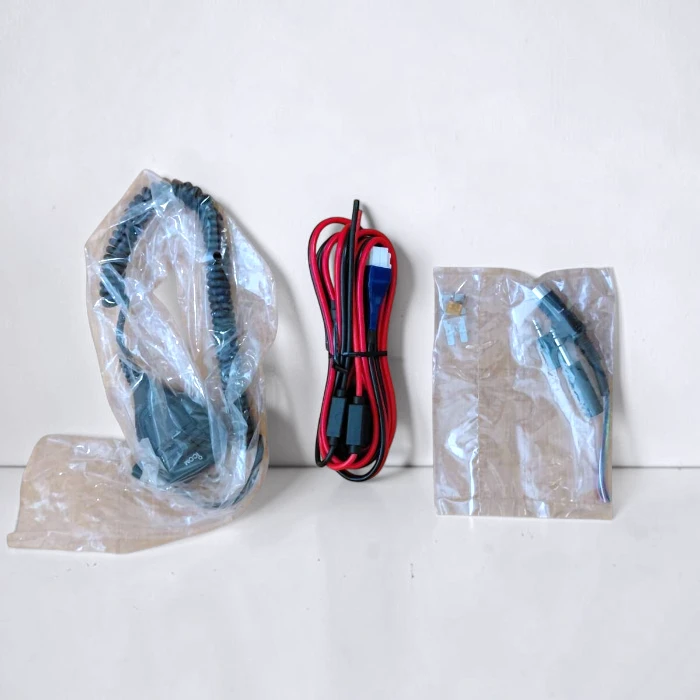
1x Hand Microphone (HM-219 / standard factory)
-
1x DC Power Cable
-
1x Spare Fuses & Connector Set
-
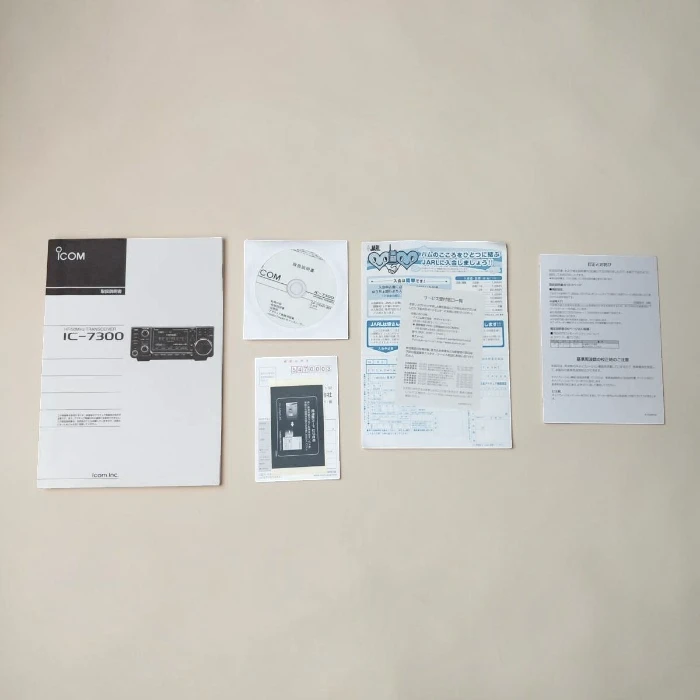
1x User Manual & Warranty Card
Official & Technical FAQ: Icom IC-7300
Settings & Digital Modes
-
Q: Can the Icom IC-7300 be used for digital modes like FT8 without any extra gear? A: Yes. You just need a standard USB cable to connect the radio directly to your laptop or PC. The built-in soundcard will instantly pick up apps like WSJT-X.
-
Q: What does the “OVF” indicator on the screen mean, and how do I get rid of it? A: OVF (Overflow) means the incoming signal is too strong. To fix it, press the ATT (Attenuator) button, turn off the P.AMP (Preamp), or turn the RF GAIN knob to the left to lower the sensitivity.
Common Issues & Solutions
-
Q: Why does the clock on the Icom IC-7300 screen always reset when I turn off the radio? A: The internal backup battery/capacitor for the clock is out of juice. To fix this, leave the radio connected to a powered-on power supply (it’s fine if the radio itself is turned off) for about a week straight to recharge it.
-
Q: Why is my Windows PC showing an “Error Code 10” for the Icom IC-7300 USB driver? A: This happens because Windows power-saving features automatically shut off the USB port. Open Device Manager, go to your USB Hub power settings, and uncheck the option that says “Allow the computer to turn off this device.”
-
Q: Why isn’t the new firmware file showing up when I try to update via the SD card? A: Make sure you format the SD card directly inside the IC-7300 first. Once you’ve done that, put the
.datfirmware file inside the specific folder named “IC-7300” that was automatically created on the card.
Comparisons & Physical Features
-
Q: What’s the main difference between the older IC-7300 and the newer Icom IC-7300MK2? A: The MK2 version features improved receive performance (RMDR +12 dB), plus brand-new physical ports—HDMI, USB Type-C, and a LAN port—along with a built-in CW decoder.
-
Q: Why is the cooling fan so loud whenever I start transmitting (TX)? A: That’s just the factory setting to keep the internal components safe. The fan spins at full speed the moment you hit the PTT button. A lot of users fix this by swapping it out for a quieter, third-party fan brand.
Reviews
There are no reviews yet.