
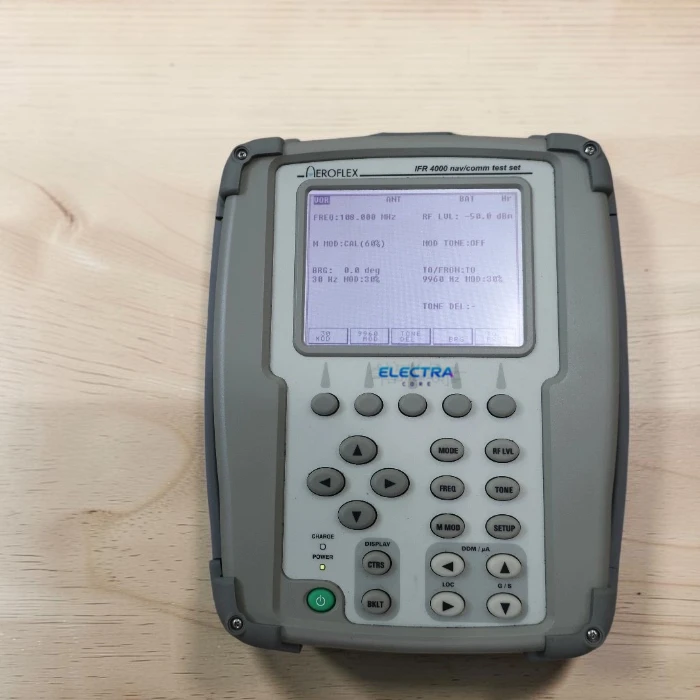
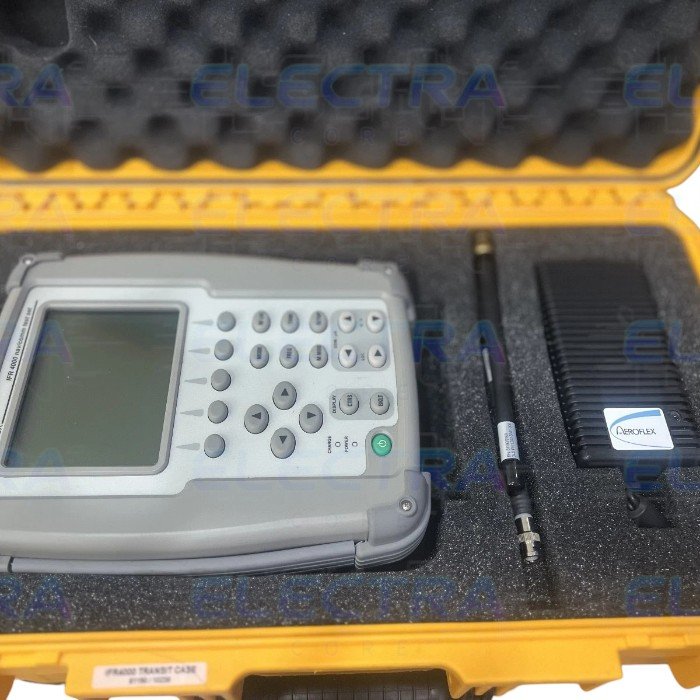
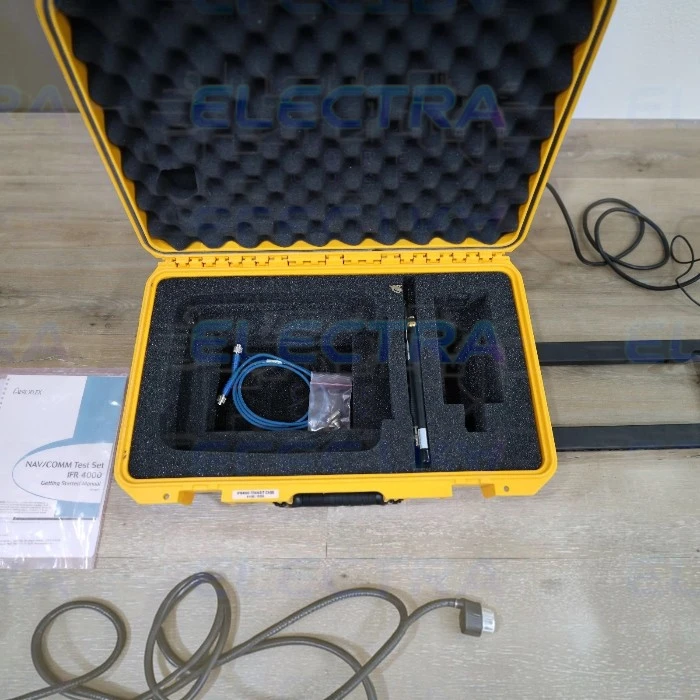


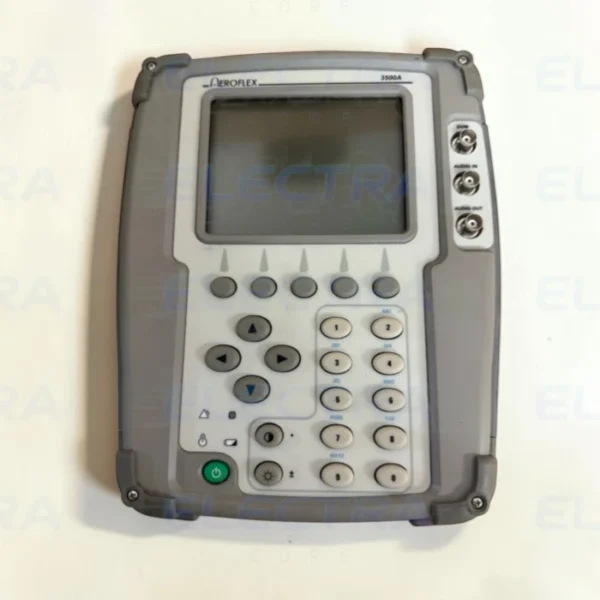
The VIAVI / Aeroflex IFR 4000 is a compact, lightweight, and rugged flight line test set designed primarily to verify the operation and installation of VOR (VHF Omnidirectional Range), ILS (Instrument Landing System), Marker Beacon, and VHF/UHF communication avionics systems.
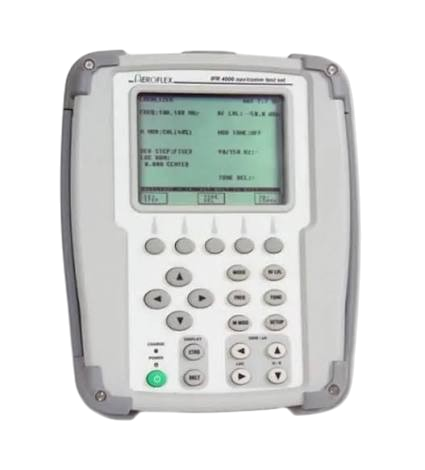
specifications and capabilities specifically regarding its Aeroflex IFR 4000 VOR/ILS Signal Generator functions:
VOR Signal Generation
-
Frequency Range: 108.00 to 117.95 MHz (in 50 kHz steps)
-
Functionality: Simulates a VOR ground station beacon with variable bearing capabilities to test airborne VOR receivers and indicators.
-
Modulation: Includes 30 Hz variable phase and 9960 Hz sub-carrier frequencies.
-
Morse Code: Supports 1-4 characters of transmitted Morse code ID.
ILS Signal Generation
The Aeroflex IFR 4000 breaks down ILS testing into three major sub-modes to thoroughly test approach systems (CAT I, II, and III ground station simulation):
-
Localizer (LOC):
-
Frequency Range: 108.10 to 111.95 MHz
-
Modulation/DDM: Generates variable and fixed Difference in Depth of Modulation (DDM) settings.
-
Swept DDM: Supports swept localizer DDM for coupled autopilot testing.
-
-
Glideslope (G/S):
-
Frequency Range: 329.15 to 335.00 MHz
-
Modulation/DDM: Amplitude modulated at 40% per tone with 90 Hz and 150 Hz tones, providing precise variable and fixed DDM controls.
-
-
Marker Beacon (MKR):
-
Frequency: 75.0 MHz (preset/variable channels covering 72.0 to 78.0 MHz)
-
Modulation: Amplitude modulated at 95% with selectable tones for Outer (400 Hz), Middle (1300 Hz), and Airways/Inner (3000 Hz) markers.
-
General Key Features
-
Tri-Mode Operation: Allows simultaneous generation of Localizer, Glideslope, and Marker Beacon signals for comprehensive system evaluations.
-
Testing Flexibility: Can be used on the ramp via the supplied tri-mode antenna for over-the-air measurements, or connected directly to the unit’s RF I/O port for bench testing.
-
Portability: Weighs under 8 lbs (approx. 3.6 kg) and runs on an internal battery lasting over 8 hours, making it optimized for cockpit work.
-
Guided Test: Menu-driven interface featuring customizable automated test sequences to minimize total test time.
FAQ :
1. How do I connect the Aeroflex IFR 4000 to the aircraft (should it be a direct cable connection or wireless)?
-
Answer: You can use two methods:
-
Over-the-Air (Ramp Testing): Using the tri-mode antenna (or a small telescopic antenna connected to the RF port) to perform wireless testing from inside the cockpit.
-
Direct Connection (Bench Testing): Connected directly via an RF cable to the aircraft’s antenna port or a coupler for testing isolated from outside signal interference.
-
2. Does the IFR 4000 support Autopilot / Coupled Approach testing for ILS?
-
Answer: Yes. The IFR 4000 features Swept DDM (Difference in Depth of Modulation) for both Localizer and Glideslope functions. This feature is essential for verifying whether the aircraft’s flight director and autopilot respond correctly to automatic changes in approach path deviation.
3. How long does the battery last for a full day on the flight line?
-
Answer: The unit is powered by an internal rechargeable Li-ion battery designed to last for about 8 hours of normal use on a single full charge, making it reliable for a full day of work in the hangar or ramp area.
4. Does this unit cover VHF/UHF communications testing in addition to VOR/ILS navigation?
-
Answer: Yes. Although widely sought after for its VOR/ILS capabilities, the IFR 4000 is a multi-purpose test set that also covers:
-
VHF/UHF aviation communication testing (AM and FM).
-
Marker Beacon (75 MHz).
-
Optional testing for VHF/UHF COMM, and ELT (Emergency Locator Transmitter) on 121.5/243 MHz and 406 MHz (depending on the purchased software/hardware options).
-
5. How do I calibrate or update the software on the Aeroflex IFR 4000?
-
Answer: Calibration is typically recommended once a year (in accordance with standard avionics test equipment maintenance) through an official VIAVI service lab or accredited calibration center. For firmware/software updates, they can generally be performed using VIAVI’s PC utility software via the device’s USB port or memory card.
Reviews
There are no reviews yet.